














Your Dragonia Casino account at a glance
Welcome to Dragonia Casino. Browse our pokies, live tables, jackpots and sports, then manage promotions and AUD payments from your account. Our lobby lets you explore new releases or return to a favourite game.
| Feature | What to know |
|---|---|
| Casino name | Dragonia Casino |
| Game categories | Pokies, live casino, table games, jackpots and sports |
| Account currency | AUD payment options for Australian accounts |
| Welcome offer | 100% up to A$750 + 200 free spins |
| Mobile access | Android and iPhone browser access with a saved shortcut |
| Customer support | Our live chat and email team is available 24/7 |
| Verification | We may ask for identity and payment verification |
| Licensing | An offshore licence does not constitute an Australian casino licence |
Check each game’s rules, stake limits and bonus eligibility before playing. Our catalogue and payment choices can depend on your location and account.
Welcome rewards and reload offers

Our welcome offer adds a 100% match of up to A$750 and 200 free spins to an eligible first deposit of A$30 or more. You can choose whether to take part; accepting a bonus means meeting its conditions before the bonus funds become withdrawable.
The wagering requirement is 35× your deposit plus bonus and 40× winnings from free spins. Complete the required play within 10 days. We release the spins in daily batches of 20, and deposits through Neteller or Skrill do not qualify for this welcome offer.
| Promotion | Advertised reward | Key condition |
|---|---|---|
| Casino welcome | 100% up to A$750 + 200 free spins | Minimum qualifying deposit: A$30 |
| Weekly reload | 50 free spins | A$30 qualifying deposit, Monday–Thursday; 40× winnings |
| Weekend reload | Up to A$1,050 + 50 free spins | See the active promotion for qualifying deposits and wagering |
| Casino crypto welcome | 200% up to 3,000 USDT | Crypto-specific eligibility and conditions apply |
| Sports welcome | 100% up to A$150 | Sportsbook conditions and rollover apply |
Each promotion has its own eligible games, deadline and withdrawal conditions. Read these before activating an offer. Our weekly reload spins are assigned to a selected game rather than any title of your choice. Crypto and sportsbook rewards follow separate terms.
Take Dragonia with you on mobile
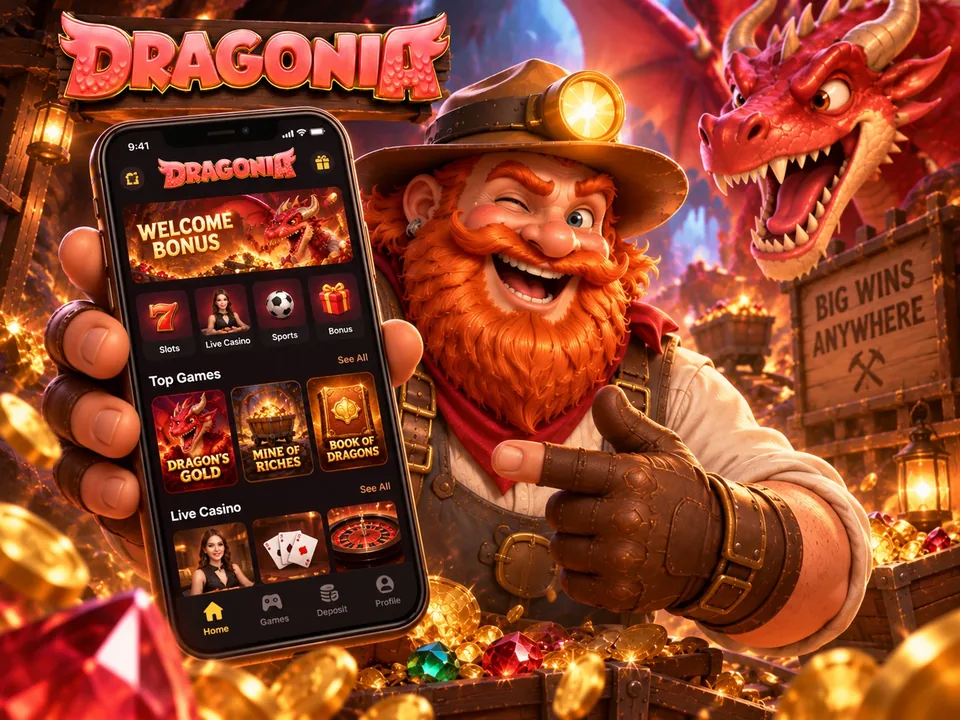
Open Dragonia in your mobile browser to use your account on Android or iPhone. For quicker return visits, save a shortcut to your home screen. This gives you a direct way back to our website without downloading a native casino app.
Your saved shortcut uses the same account and conditions. Mobile illustrations may differ from the current interface.
Set up an Android shortcut
- Visit us in Chrome.Open our website on your Android phone and confirm the address.
- Find the shortcut option.Use the three-dot menu and look for Add to Home screen or the shortcut option.
- Choose a label.Name your home-screen shortcut and confirm Add.
- Return with one tap.Use the new icon to reopen our site through your browser.
Add it on iPhone
- Visit us in Safari.Open the Dragonia website on your iPhone.
- Bring up Share.Tap the Share control, which may appear inside the page menu.
- Save to your home screen.Choose Add to Home Screen and review the shortcut name.
- Confirm the shortcut.Tap Add, then use the saved icon for your next visit.
Create your Dragonia account
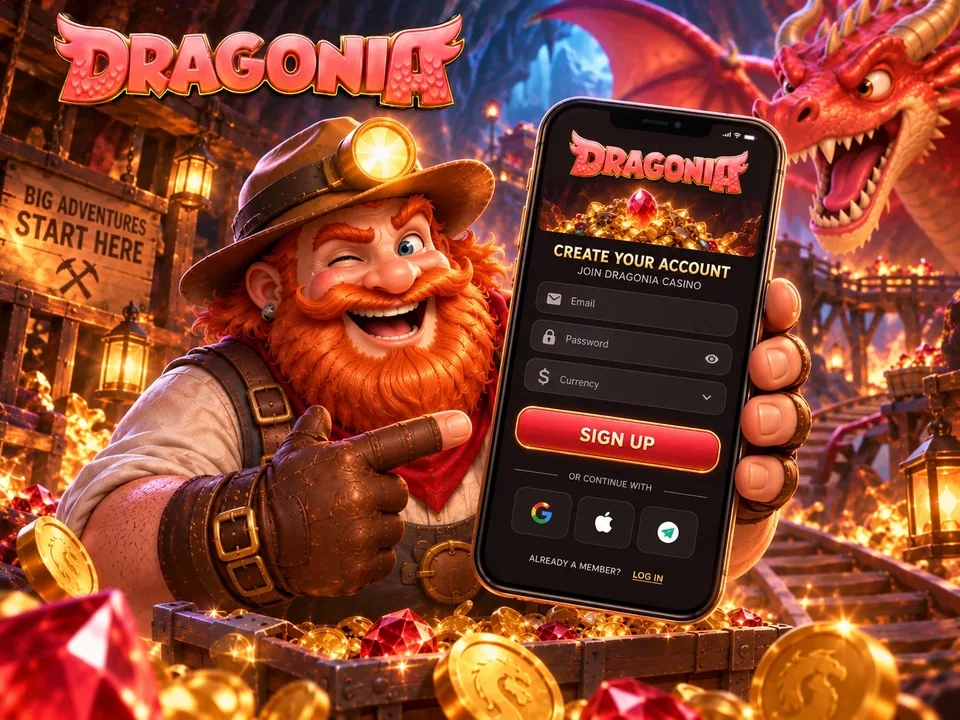
To join us, open Register and enter your details as they appear on your identification. Choose your preferred welcome option, or continue without a bonus. Registration is for eligible adults; you must also meet the requirements that apply where you live.
Keep your registered email accessible for confirmation and account recovery. Opening an account does not replace verification: we may request identity or payment documents later.
- Start with Register.Open our account form and check that you meet the eligibility requirements.
- Choose an offer.Select an available welcome promotion after reading its terms, or skip the bonus.
- Add your account details.Provide the requested information, select an available currency and set a unique password.
- Review the agreement.Read our account terms and privacy information before sending the form.
- Complete the next checks.Follow any confirmation email and provide verification details when requested.
Deposits and withdrawals at Dragonia
Use our cashier to see the deposit and withdrawal options available to your account. Country and currency settings affect the choices displayed. Funding your balance and receiving a withdrawal are different transactions, so a deposit method may not also support payouts.
Deposits and payment methods
Our AUD payment options include bank cards, prepaid vouchers, e-wallets and crypto. The minimums below apply to deposits; a promotion may require a higher qualifying amount.
| Payment method | Listed minimum | Type |
|---|---|---|
| Visa / Mastercard | A$20 | Card |
| Neosurf | A$15 | Prepaid voucher |
| Jeton / MiFinity | A$15 | E-wallet |
| Bitcoin | A$45 | Cryptocurrency |
| Ethereum / Litecoin / USDT | A$20 | Cryptocurrency |
Before confirming a payment, review its currency, amount and provider fees. For crypto, use the exact asset and network specified by our cashier. Keep your transaction reference until the balance has been credited.
Withdrawals and processing times
We allow up to three business days for internal withdrawal processing after the necessary checks. Your payment provider may then need more time to deliver the funds. Published Level 1 limits are A$800 a day and A$10,500 a month, while the limits attached to your account may differ.
- Review your withdrawable balance and the status of any active bonus.
- Choose a withdrawal method in our cashier and complete its required fields.
- Keep the request reference and respond to verification messages in your account.
Verification may require proof of identity, address and ownership of the payment method. Our terms describe a usual verification period of up to 10 days after we receive a complete response; further checks can extend the process.
Sign in and pick up where you left off
Return through our sign-in page using your existing credentials. Check the address before entering personal information, especially after following a saved link or search result.
- Go to Login.Open the sign-in form for your existing Dragonia account.
- Fill in the sign-in fields.Enter the email or username the form requests, followed by your password.
- Follow the security checks.Complete any prompt shown and keep verification codes private.
- Review your notifications.Check for account messages, and log out after using a shared device.
Use password recovery if you cannot sign in. To help us investigate an error, send its message and your device details, hiding personal information in screenshots.
Talk to our support team
Reach our 24/7 live chat and email team through the Help Centre. Choose email when you need attachments or a written conversation record.
For payment questions, share the amount, date, method and transaction reference. For account access, describe what happened without revealing your password. If a case needs investigation, ask for its reference number. Response and resolution times depend on the issue.